A practical capability, not an isolated tool.
A React application, community-maintained runner, installation workflow, diagnostic toolkit, download hub, and structured knowledge base for Majestic RP on Linux.
A React-based product and documentation experience for an open-source Linux runner that detects GTA V and Proton, prepares the Wine prefix, diagnoses problems, and launches Majestic RP across desktop Linux and Steam Deck.
View live website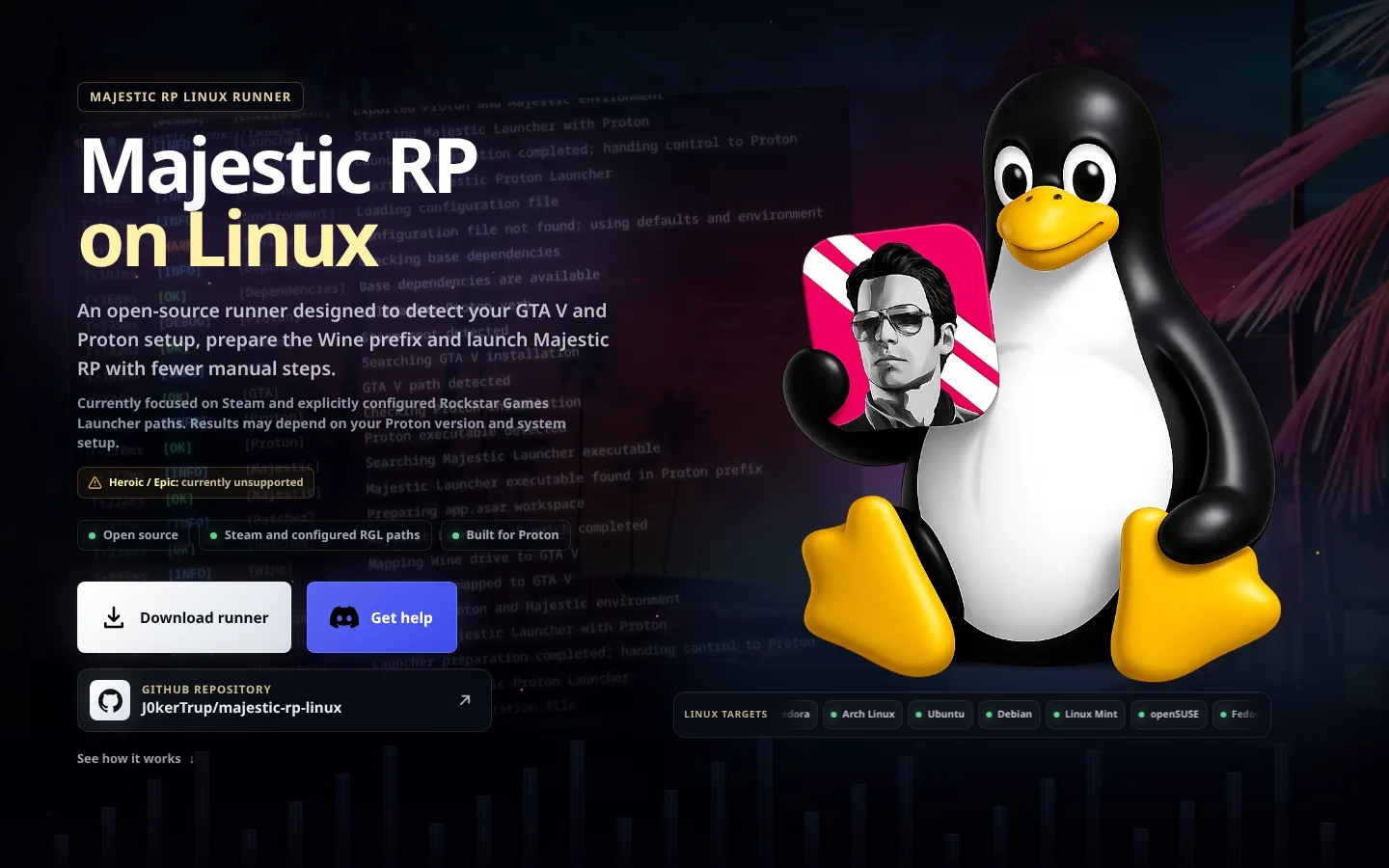
Our perspective
A React application, community-maintained runner, installation workflow, diagnostic toolkit, download hub, and structured knowledge base for Majestic RP on Linux.
Linux compatibility failures span stores, prefixes, runtimes, drivers, and distributions. A routed product site makes the right instructions easier to find, while the runner turns those instructions into repeatable checks and commands.
Desktop Linux and Steam Deck players using Steam or explicitly configured Rockstar Games Launcher paths who need an inspectable route to running Majestic RP through Proton. Heroic/Epic is currently marked unsupported.
Purpose and decisions
A closer look at the audience problem, the reason behind the chosen experience, and how each part helps a visitor move from uncertainty to a useful next action.
A player may use Steam or an explicitly configured Rockstar Games Launcher path while also having a different Proton build, filesystem layout, desktop distribution, or Steam Deck setup. Fedora, Arch Linux, Ubuntu, Debian, Linux Mint, openSUSE, and community-tested systems introduce further variations. The interface also makes the current Heroic/Epic limitation visible so users do not begin an unsupported setup path.
The React application gives product context, launcher support, downloads, Steam Deck instructions, installation steps, and FAQs distinct destinations. This matters because a first-time visitor asking whether Majestic RP can run on Linux has a different intent from an existing user looking for a package or troubleshooting a failed launch. Shared navigation and reusable interface patterns preserve continuity between those tasks.
A written guide can become outdated or be followed partially. The runner gives configuration, detection, health checks, installation, patching, environment output, and launch explicit commands with defined responsibilities. This does not remove Linux complexity, but it puts the complexity behind inspectable steps that can be rerun, documented, and discussed consistently when a user requests help.
The doctor workflow checks Steam, Proton, GTA V, compatdata, launcher files, fonts, patches, and processes. Doctor-radio isolates radio and Wine GStreamer checks without modifying the prefix, while timestamped per-run logs preserve recent evidence for support. Environment output exposes the intended command before launch. Together these tools help distinguish a runner issue from a local driver, package, media, or path problem.
Cleanup and repair tools are scoped to Majestic-related launcher and multiplayer data. Protected paths—including the GTA V installation, Steam roots, the user home directory, and current project directory—are explicitly outside destructive cleanup. Making these boundaries visible is part of product trust: Linux users can inspect both the open source and the operational safeguards before allowing a tool to modify a compatibility prefix.
GitHub releases provide source, packaged files, issue history, and release context in one canonical location. DEB and AUR options meet users in familiar package ecosystems without hiding how the software is built. Requirements, licensing expectations, and independence disclaimers clarify that users still need GTA V Legacy and a valid account, and that the community project is not affiliated with the game, server, store, or Proton vendors.
Commands for detection, configuration, environment checks, installation, patching, and launch convert scattered manual fixes into a consistent process across supported Linux gaming environments.
Linux · Proton · Automation · GTA VDedicated About, Launchers, Download, Steam Deck, Install, and FAQ routes separate different user questions without fragmenting the visual system. Persistent navigation and contextual calls to action keep GitHub releases, Discord support, and installation guidance within reach.
React · Routing · Information architecture · Responsive UIThe doctor, doctor-radio, environment, and timestamped logging workflows expose system, prefix, media, launcher, patch, and process state so failures can be investigated from evidence rather than repeated reinstalls.
Diagnostics · Logs · Recovery · SupportabilityGitHub releases remain the canonical source, complemented by Debian/Ubuntu packages and an Arch User Repository option. Source visibility, protected cleanup boundaries, community support, and an explicit independence disclaimer establish appropriate trust.
Open source · GitHub · DEB · AURHow we create value
We treat majestic linux as part of a wider operating system. The work is shaped by the business outcome, the people who depend on it, and the responsibilities that remain after launch.
We first establish what is happening today, who is affected, and which result would make the investment worthwhile. For majestic linux, that means separating the underlying operational problem from a requested feature or platform. Constraints around time, risk, existing systems, skills, compliance, and budget are made visible early. This gives the team a shared definition of success and prevents technically impressive work that does not change the client’s actual situation.
Repeatable compatibility workflow cannot be evaluated in isolation. We map users, information, integrations, permissions, failure paths, and ownership across the complete workflow. Decisions are documented so stakeholders understand why a boundary exists and what trade-off it protects. This is especially important when routed react product experience depends on external platforms or business teams. Clear architecture reduces hidden coordination costs and makes later change safer rather than progressively more fragile.
Delivery is organized into reviewable increments that demonstrate real behaviour, not just completed tasks. We verify usability, security, data quality, performance, accessibility, and operational readiness in proportion to the risk of the system. Where diagnostics before guesswork is involved, representative scenarios include failure and recovery as well as the successful path. Stakeholders can inspect progress, challenge assumptions, and adjust priorities before uncertainty becomes embedded in a large release.
Launch is a transition into operation, not the end of the engagement. Monitoring, support boundaries, documentation, backups, security updates, incident response, and improvement priorities are agreed before the system becomes business-critical. We connect technical signals to customer and operational impact so teams know what needs attention and why. The result is majestic linux that can be understood, supported, and evolved without depending indefinitely on undocumented knowledge or individual heroics.
Next step
Tell us what the audience needs to understand, do, or trust. We will define the smallest complete digital experience around that outcome.
Discuss your situation